Privacy Policy

Jul 06, 2026
Privacy Policy
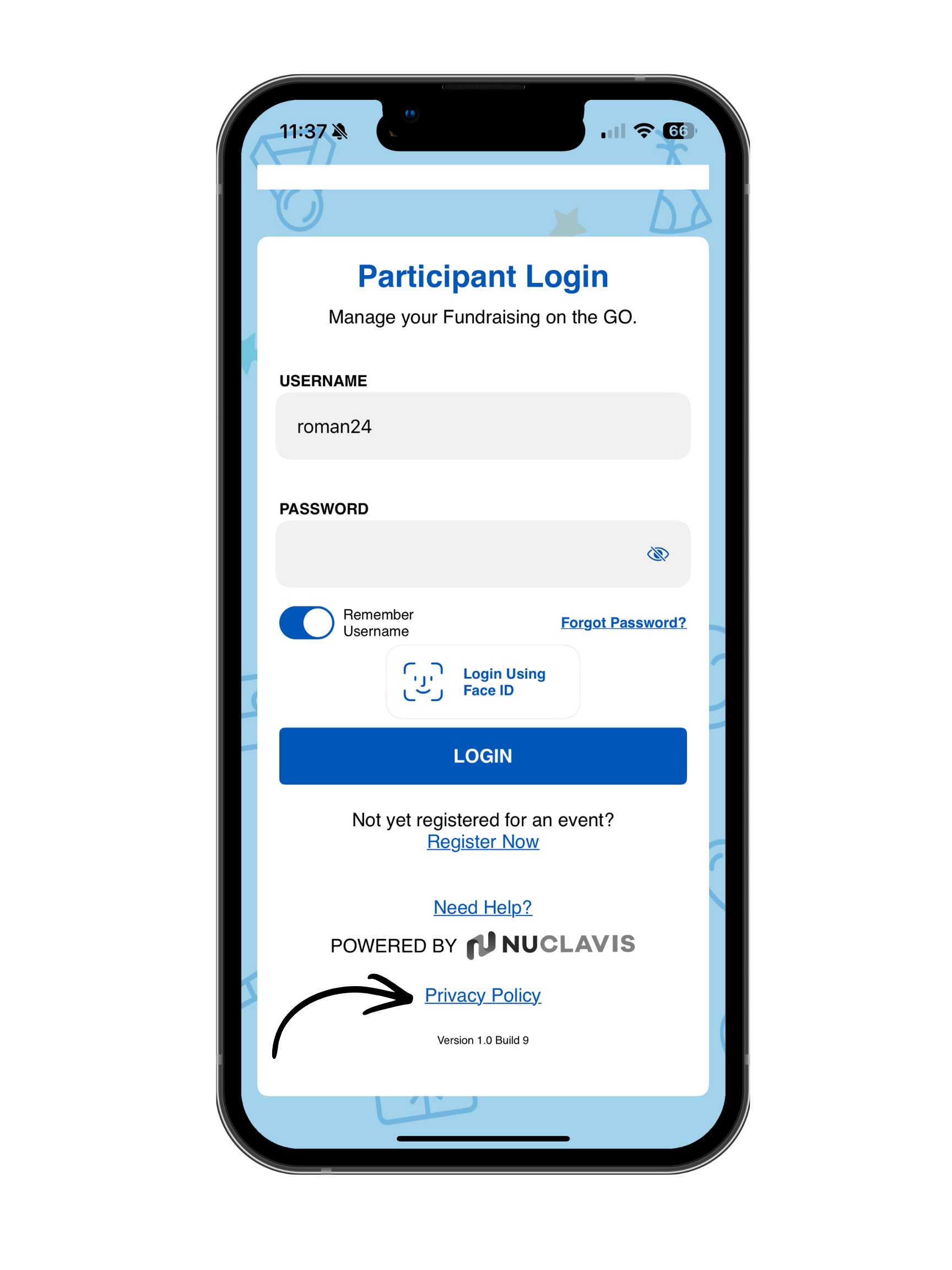
How to Access the Privacy Policy?
- Open the mobile app.
- Navigate to the login screen.
- Select Privacy Policy.
- The organization's Privacy Policy will open in your device's default web browser or an in-app browser, depending on your device and app configuration.
No login is required to view the Privacy Policy.
The Privacy Policy helps participants understand how their personal information is collected, used, stored, and protected when using the mobile app. Making the Privacy Policy available from the login screen ensures it is easy to access before signing in, providing transparency and helping participants make informed decisions about sharing their information. The Privacy Policy is also available inside the mobile app.