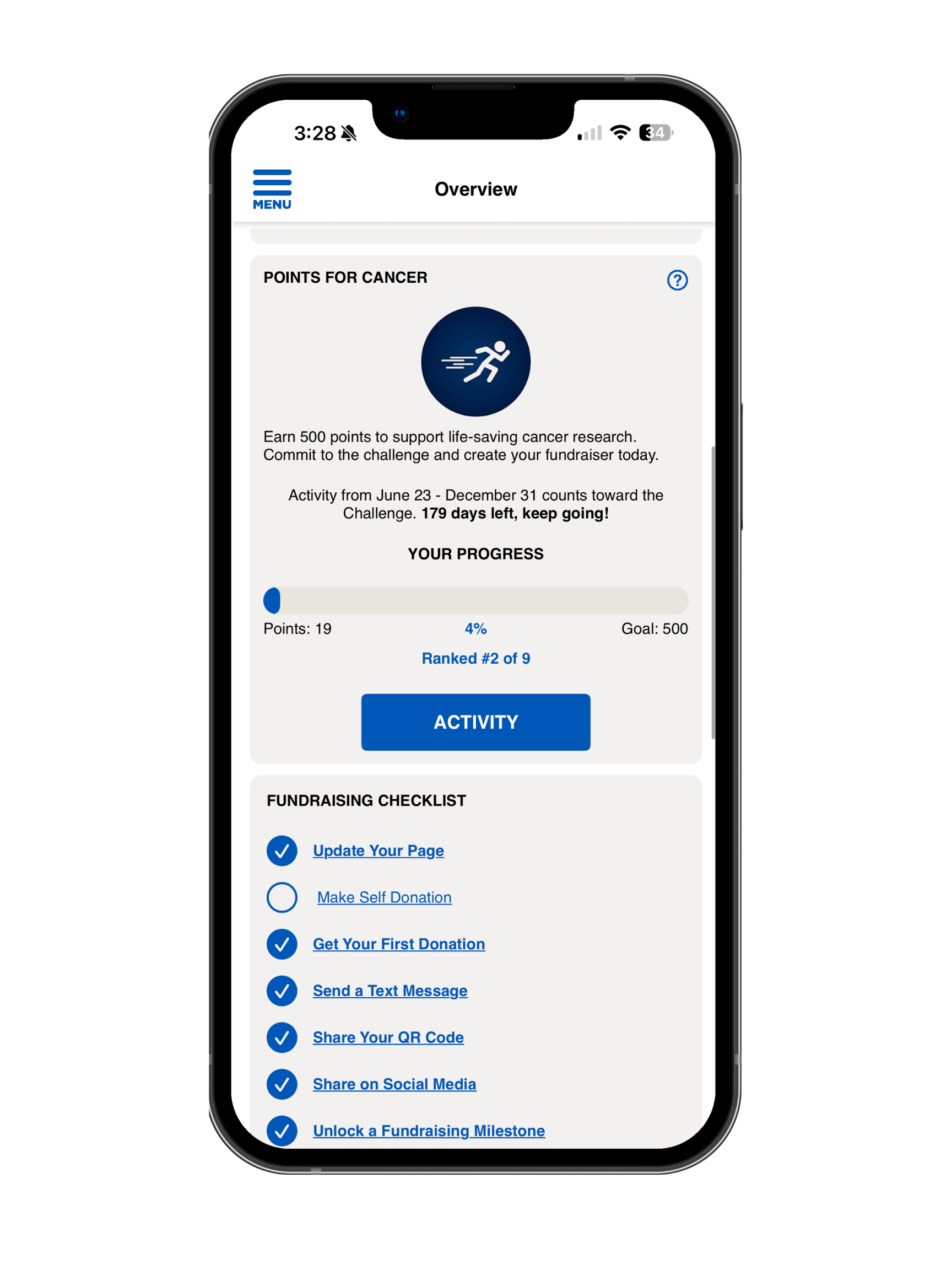
Activity Challenges
Activity Challanges
1. Join a Challenge
Participants can navigate to the Challenges section in the app's Overview page to view and join available challenges.
2. Log Activities & Fundraise
Participants can manually log activities or connect a fitness tracker. Progress is tracked in real time for both activity and fundraising goals.
3. Share Progress
Participants can share updates with friends and family to encourage support and increase fundraising engagement.
4. Check Leaderboards
Participants can view leaderboards to see how they rank. The Top Individuals and Top Teams are highlighted to encourage friendly competition.
Fundraising & Activity Challenges (Standard Experience)
Fundraising & Activity Challenges are a fun way to stay motivated, track your progress, and reach your fundraising and activity goals during your campaign. You can join challenges that include fundraising goals, activity goals (like steps, distance, or points), or a combination of both. As you participate, you can log your activities manually or connect a fitness tracker to automatically track your progress.
You’ll be able to see your progress in real time, check your ranking on leaderboards, and share updates with friends and family to help encourage support. Challenges are designed to keep you engaged, motivated, and connected while working toward your personal fundraising and activity goals.
Company Challenges
Company Challenges allow participants who are part of the same National Company to take part in shared challenges, even if they are registered for different events. If you are assigned to a National Company, you may be included in challenges that span across multiple events within your organization’s campaign. This means you can compete and track progress together with other participants from your company, helping build teamwork and friendly competition across events. Company Challenges help create a more connected experience by bringing participants together under one shared goal, no matter which event they are registered for. (This feature is currently only available to participants using the app with Luminate Online, and only if it has been configured for that client and they have activity enabled.)